Apps, games and system components for glasses-free 3D, all in one place
Start your 3D experience the simple way,
with MOPIC Hub.
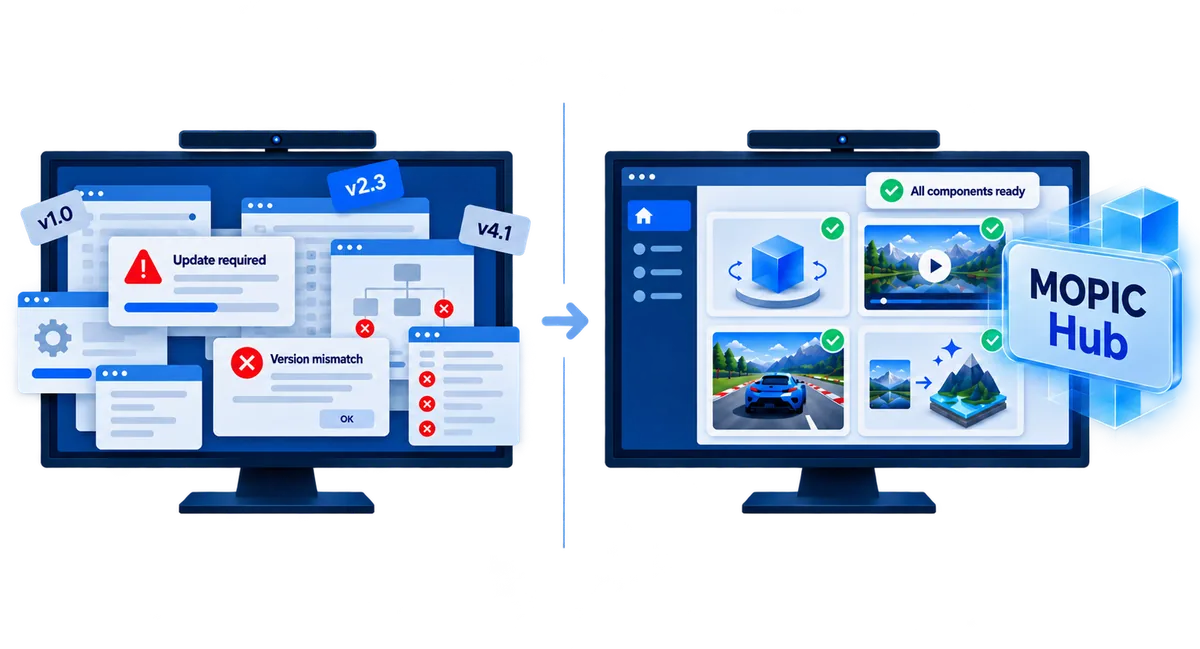
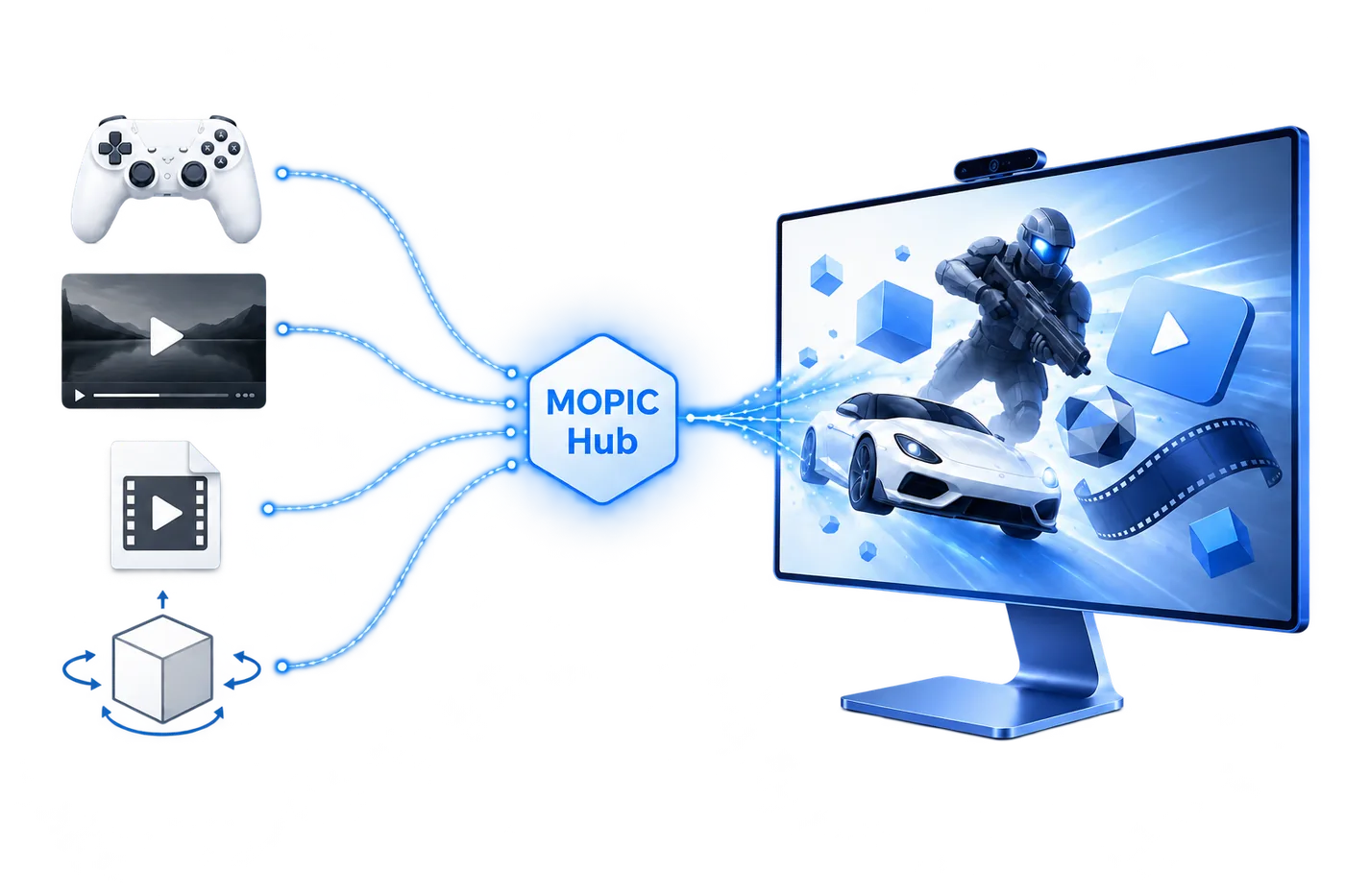
MOPIC Hub is the integrated software used together with the MOPIC Light Field 3D Display, providing and managing a range of 3D apps and system components in one place.
System components that power 3D, such as 3D Rendering, Eye Tracking and OpenXR Runtime, are installed and updated automatically by Hub, so they stay stable and ready to use.
You never have to think about that preparation. Just pick the 3D app you want and enjoy 3D models, video, games, your PC screen and more in glasses-free 3D.
Recommended specsWindows 10 (1903 or later) · 10th-gen Intel Core i7 or higher · 16 GB memory · GeForce RTX 2080 Ti or RTX 30 series or higher. See the user manual for details.
Your screen, your videos, your 3D models,
all in glasses-free 3D.
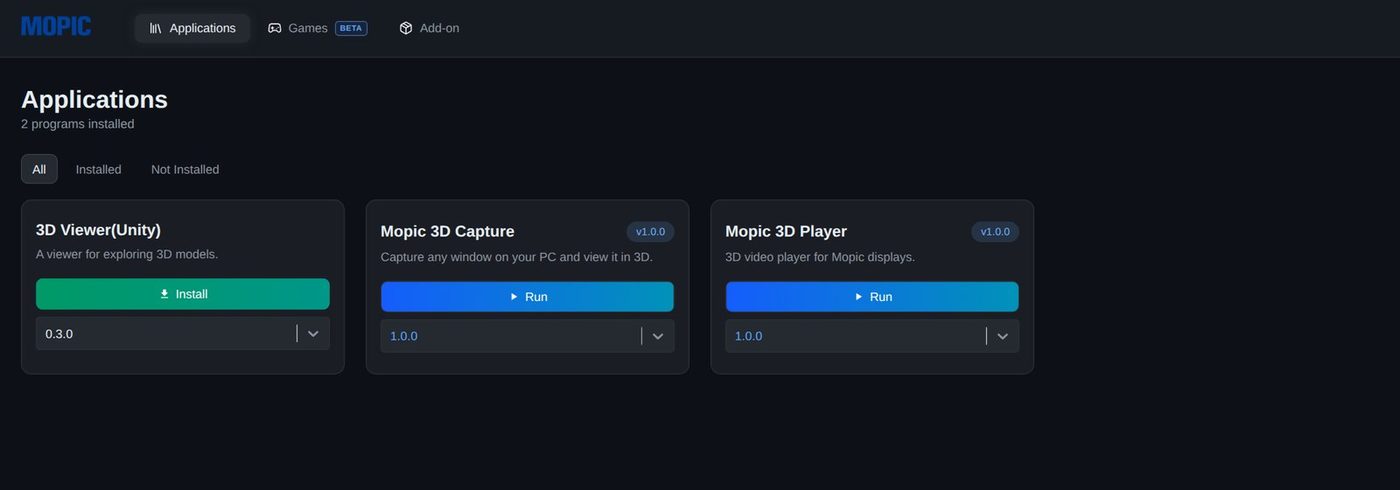
Install the app that fits your content from the Applications tab and run it straight away.
3D Viewer3D model viewer
Open a 3D model file and check it in glasses-free 3D right on the MOPIC Light Field 3D Display. Shape, front-to-back relationships and depth all read far more intuitively.
MOPIC 3D Capture3D mirroring of your PC screen · AI 3D available
Pick a window or a display that is open right now and show it in 3D as it is. Ordinary 2D screens are converted to glasses-free 3D in real time with the AI 3D Add-on, so browsers, photos and presentations can be used exactly as they appear.
MOPIC 3D Player3D video player · AI 3D available
Load stereoscopic video and play it in glasses-free 3D on the MOPIC Light Field 3D Display. Ordinary 2D video can be converted in real time with the AI 3D Add-on. Drag a video file onto the window and it plays immediately.
All three apps let you tune the sense of depth to your own eyes with a slider.
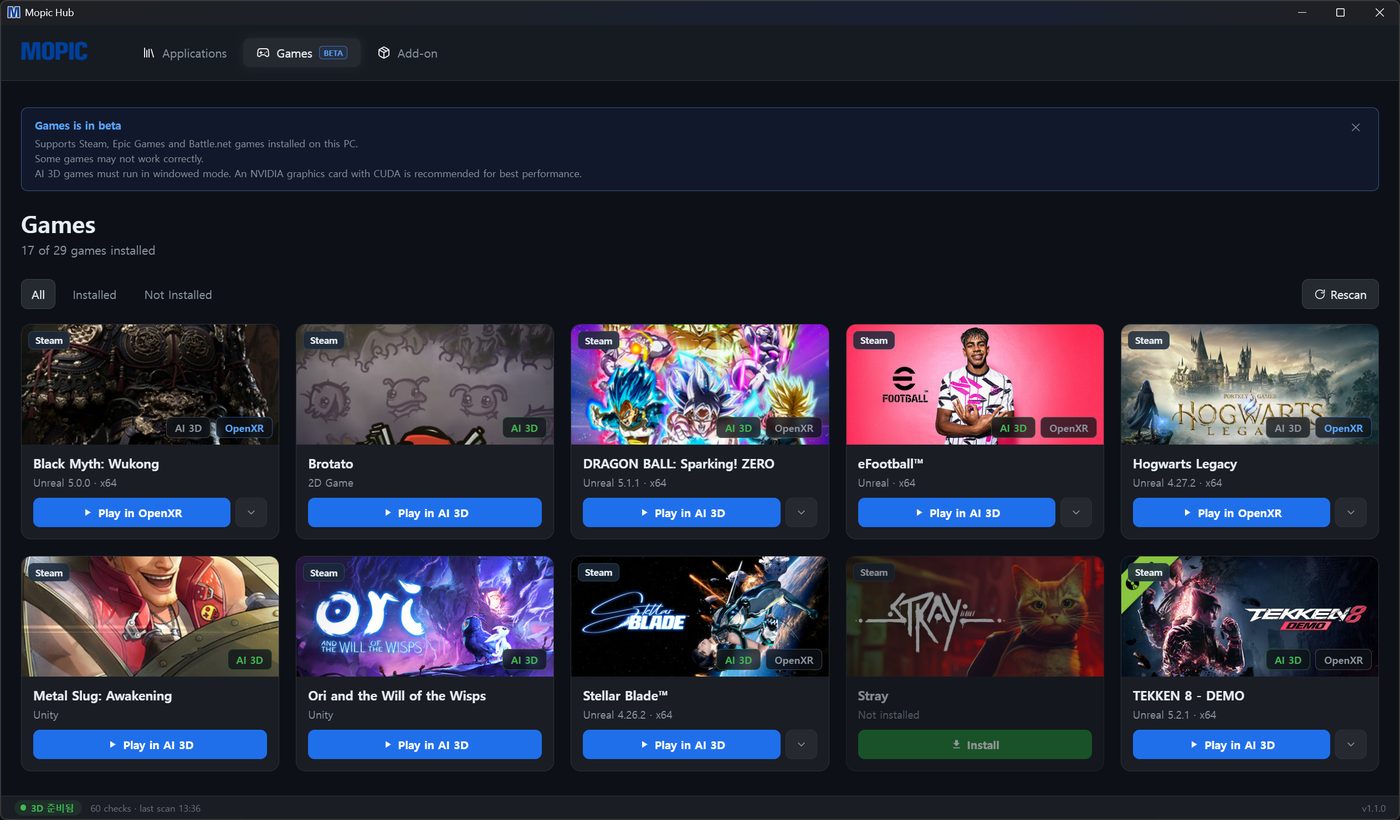
Play the games you already love in glasses-free 3D.
Open the Games tab and your Steam · Epic Games · Battle.net titles appear in the list. Choose one and it launches straight into glasses-free 3D. No VR headset, just the monitor you already use.
Games that support OpenXR run through OpenXR Runtime; the rest are converted live by the AI 3D Add-on. Hub applies the right 3D path for each game automatically.
Turn 2D content into 3D in real time with AI.
The AI 3D Add-on analyses ordinary 2D video and screens in real time, builds depth and converts them to glasses-free 3D. It works in MOPIC 3D Capture, MOPIC 3D Player and Games, so the 2D content you already own, such as YouTube, saved video and games, can be enjoyed in 3D as it is.
Run OpenXR apps in 3D with no extra effort.
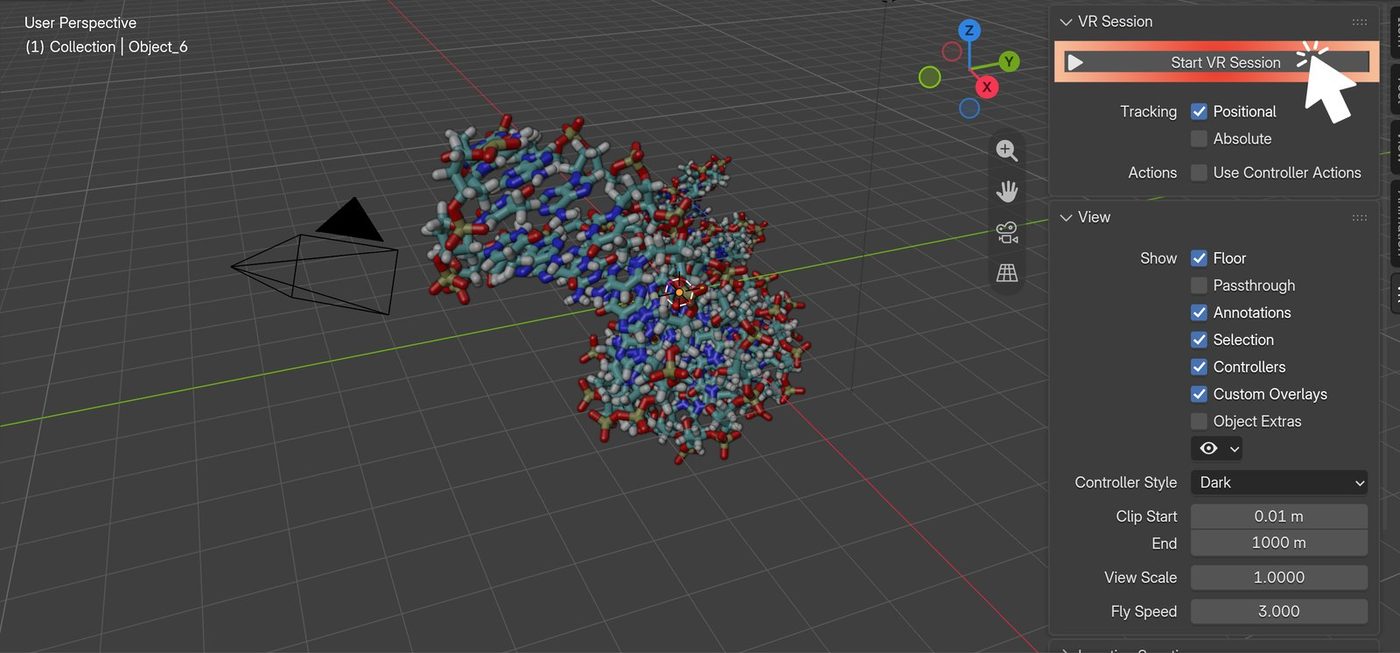
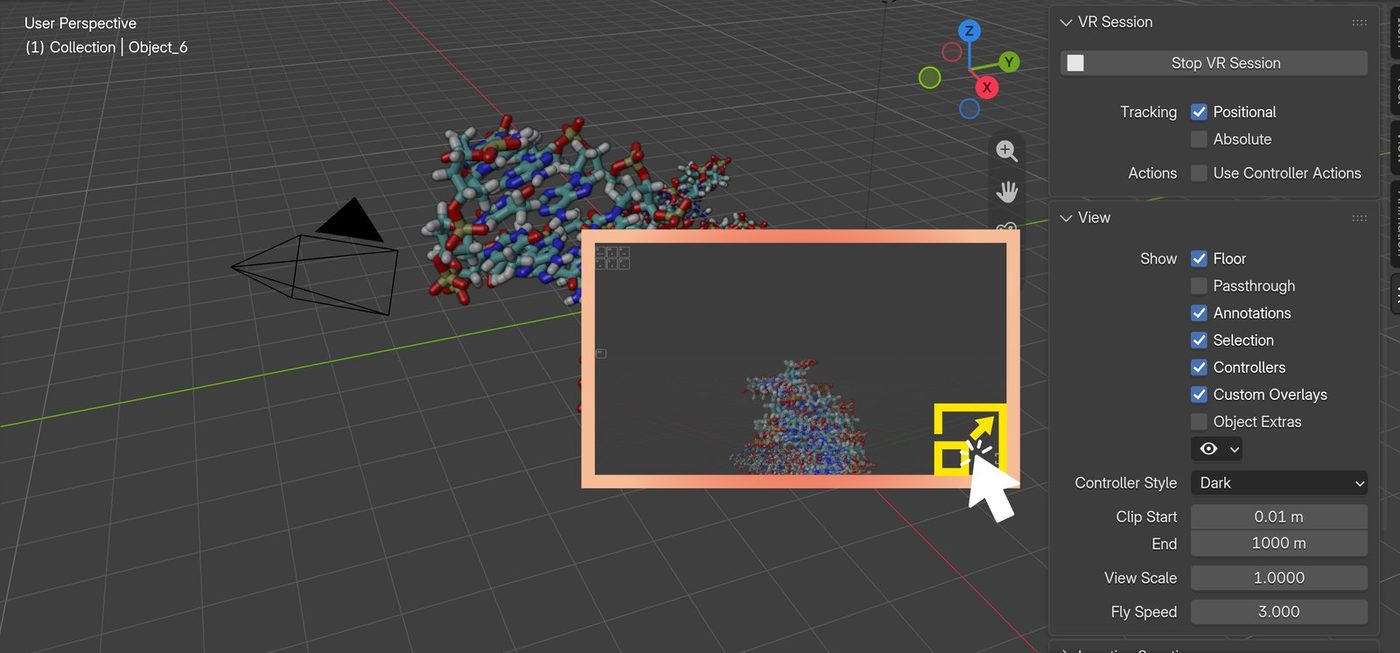
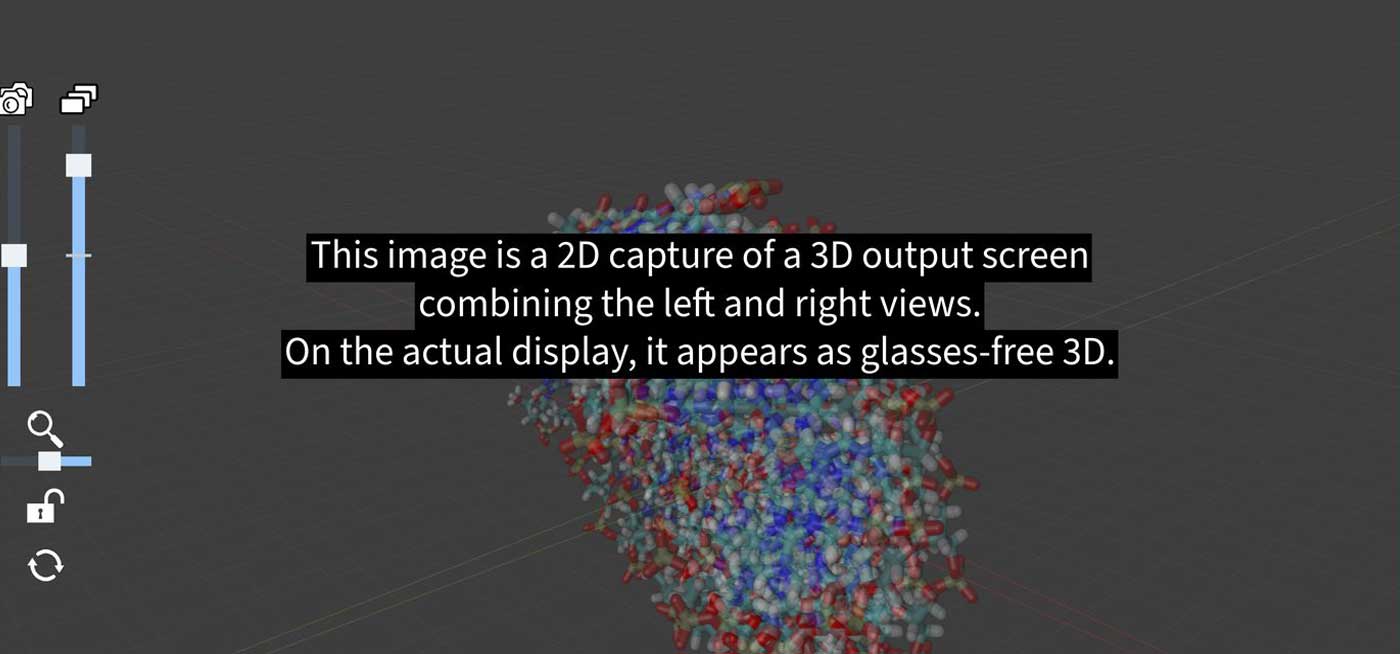
Installing MOPIC Hub installs the OpenXR Runtime automatically. With MOPIC Hub alone, any program that supports the OpenXR standard, including Unity, Unreal and Blender, shows its view in glasses-free 3D on the MOPIC Light Field 3D Display instead of a VR headset. Programs you built yourselves with OpenXR enabled also run in the glasses-free 3D environment.
Run several 3D apps side by side, no juggling
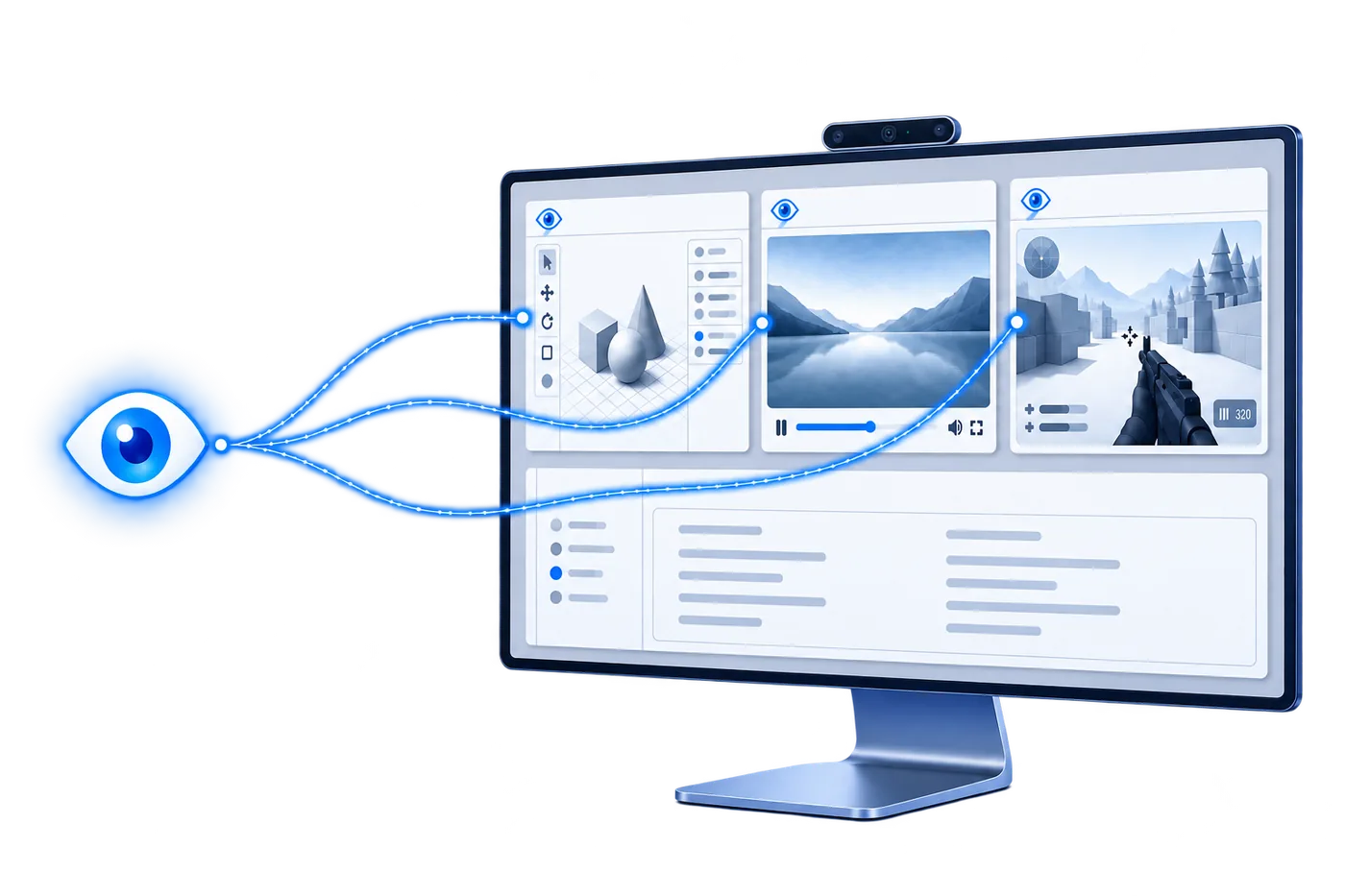
In MOPIC Hub, Eye Tracking is managed centrally by Hub, and several 3D apps share one stream of Eye Tracking data.
For example, keep a video playing in 3D Player while a 3D Capture window sits next to it. As you move between 3D windows, Eye Tracking carries over, so whichever screen you look at stays in natural glasses-free 3D.
Leave installation, updates and troubleshooting to Hub.
Connect a MOPIC Light Field 3D Display and MOPIC Hub recognises the product, activates the licence, installs the required system components (Runtime, Eye Tracking, OpenXR) at their latest versions, and keeps them current with automatic updates.
The home screen shows display, resolution, Eye Tracking camera and licence status at a glance. If something goes wrong it names the cause and walks you through the fix.
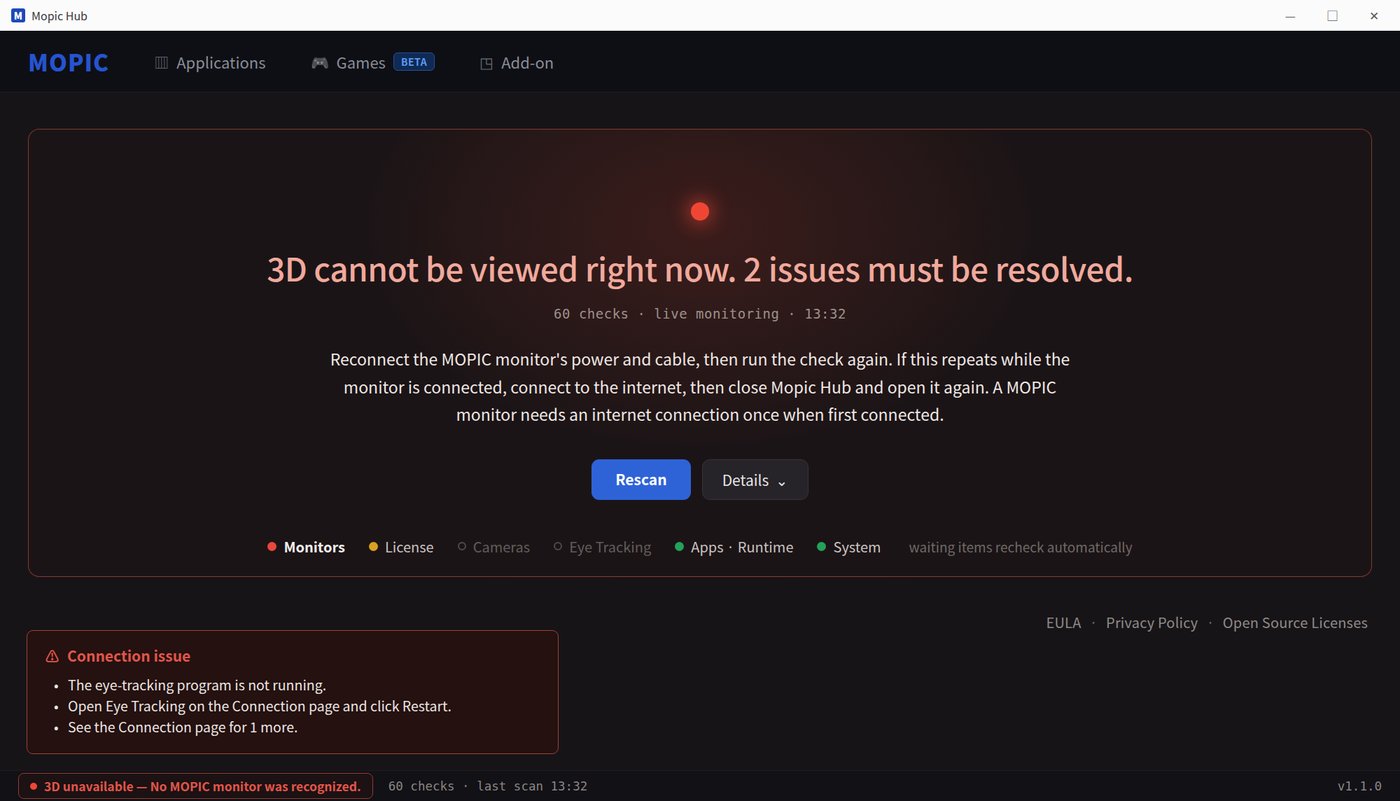
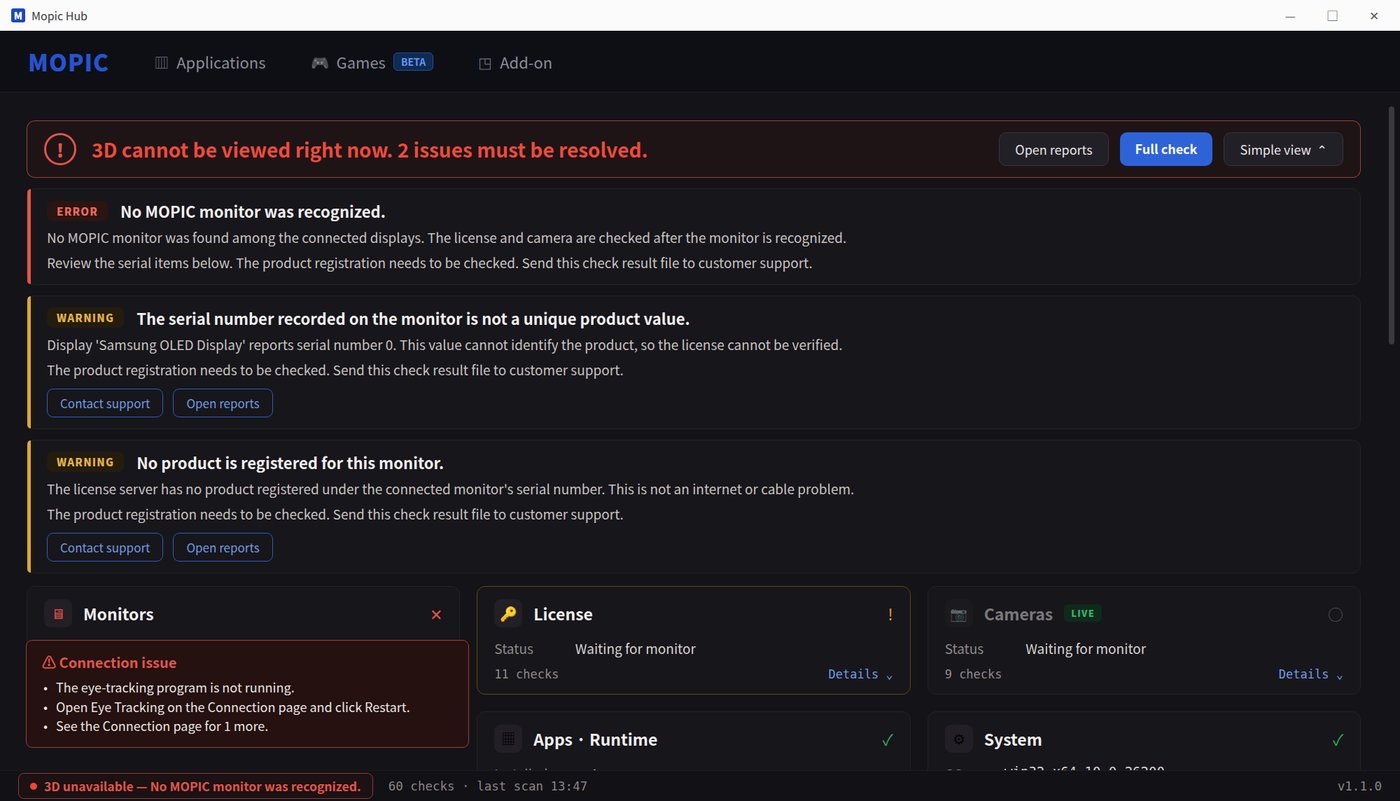
Something wrong: the cause and the fix (screen data is illustrative)
12 years of 3D know-how. Built into Hub.
The automation in Hub was not added at random for the sake of convenience. Each part solves a problem MOPIC met while developing and supplying real glasses-free 3D products.
Which programs are needed, which versions work together, where to look first when nothing connects. More than 12 years of building and running 3D ourselves tells us what to never leave to the user.
Install Hub, and you install everything we've learned about 3D.
Learn more about MOPIC Hub
Download MOPIC Hub and get started right away, or find detailed guidance in the user manual and through our contact form.